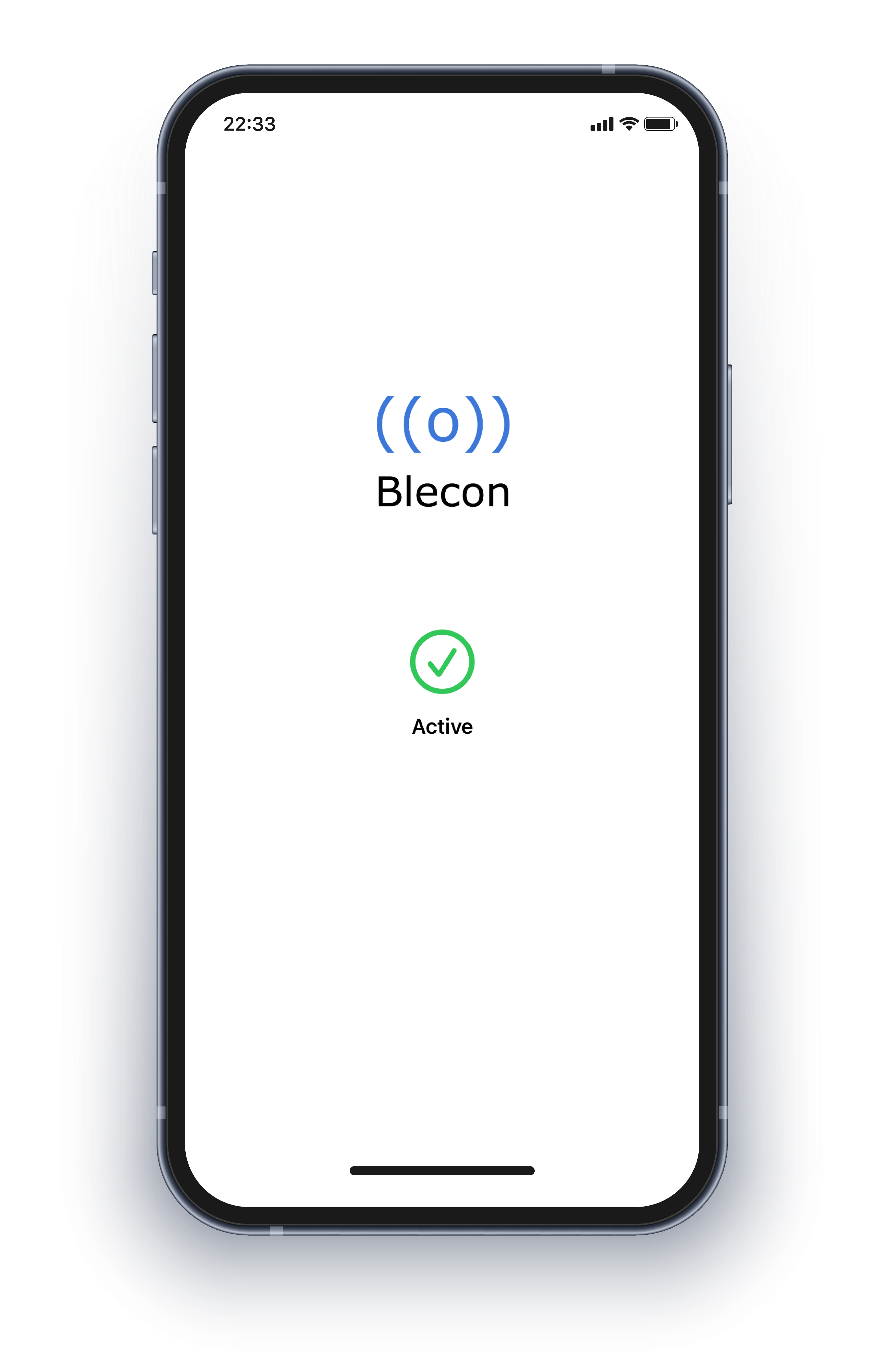
Blecon App

Install to enable Blecon devices to connect and communicate.

iOS Android MacOS Windows

Blecon App

Switch to your mobile device to continue. Open your camera and scan the QR code below to use the Blecon Scanner.

About

The Blecon App enables Blecon devices to connect and communicate.


Install this app on any phone to support Blecon devices communicating with their associated services.


This app can be installed manually or pushed to a fleet of phones using MDM.

Support

If you have questions, issues or need help using this app, email us at support@blecon.net


If you are looking to develop with Blecon, see blecon.net

Blecon
Loading...

Loading device info...

Registered
Device

...

This tag isn't set up yet

...

To set it up, open your team's tracking dashboard, choose Add asset, and scan the tag's code from there.

Something went wrong.

Blecon Scanner Device Registration

Confirm Device Registration

Device ID: ...
Network ID: ...
Network Name: ...

Device registered. Launch scanner again to register another device to the same network.

Launch Scanner